AI Image Processing Platform
This tool allows users to process multiple images in bulk, including
resizing, format conversion, background removal, AI upscaling,
and quality enhancement.
It is designed to work with various image types, although some AI operations perform best
on photos with a clear foreground subject, such as
product photos, portraits, or isolated objects.
The most common use case is preparing images for
marketplaces, online stores, and catalogs,
but the tool can also be used for many other image-processing tasks.
Upload individual files or ZIP archives,
apply transformations, and download optimized results in a single batch.
Available Operations
Resize Images
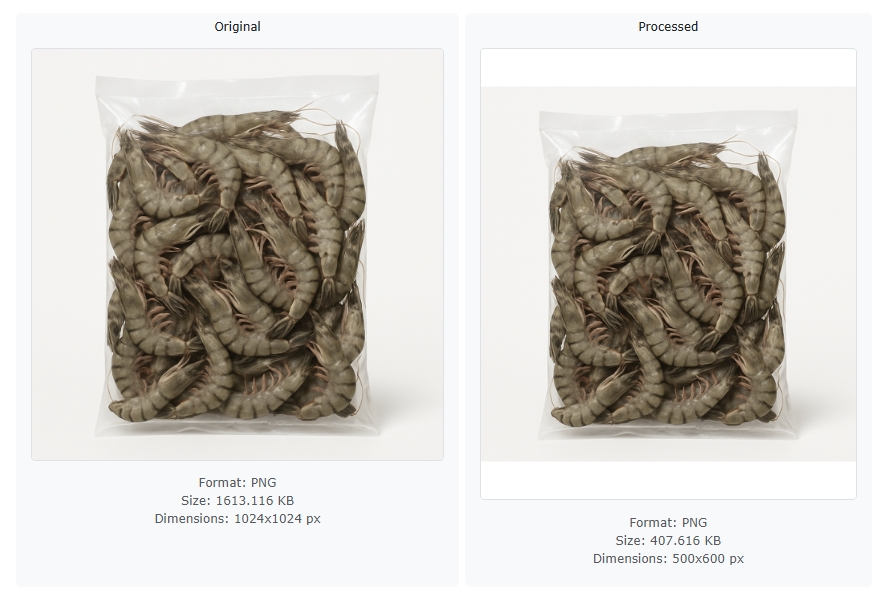
Set custom width and height for all uploaded images. By setting two new dimensions you can keep the proportions (a white margin will be added) or you can obtain an image with changed proportions. However, with only one custom dimension, the proportions are always maintained.
Format Conversion
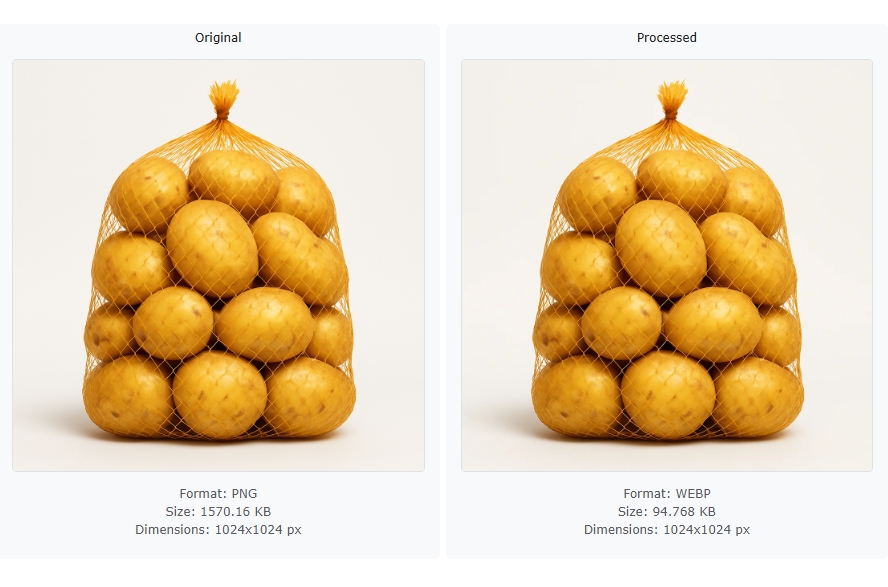
Convert images into modern formats like WEBP or AVIF, or export them as JPEG or PNG depending on your needs. Thanks to this, you can significantly change the weights of your files.
AI Operations
Remove Background — Local
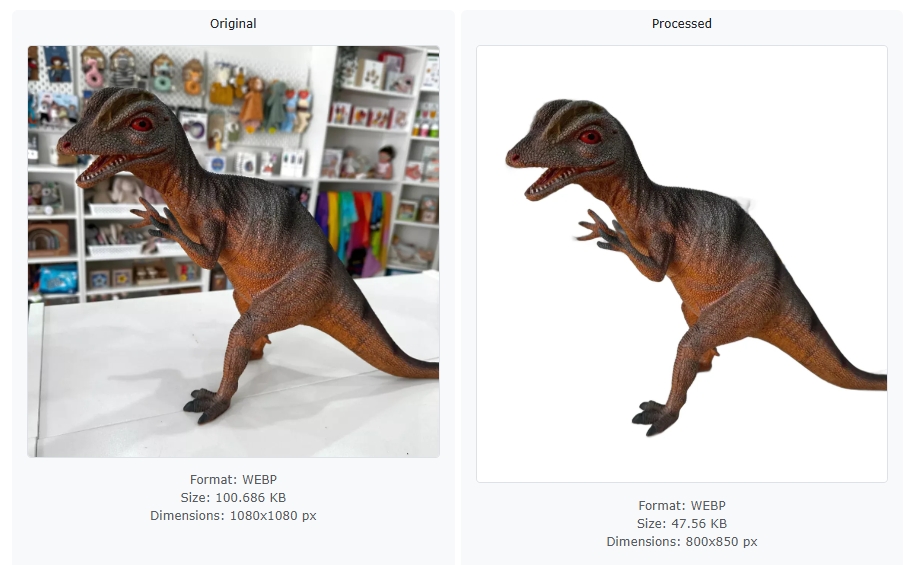
Fast local background removal processed directly on the server. Best for simple product photos and unlimited usage. Best suited for images with a clearly visible foreground subject.
Remove Background — Advanced
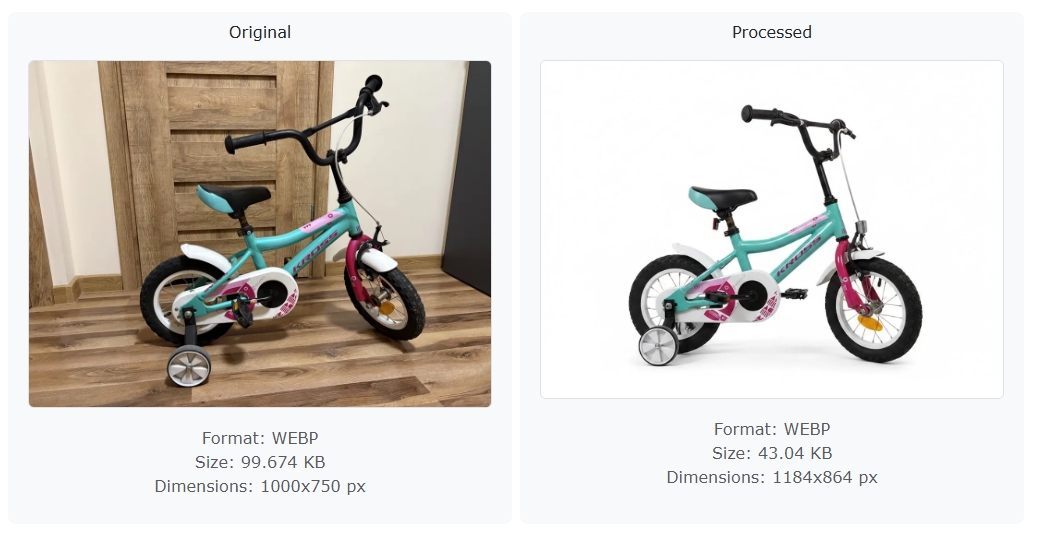
Higher quality background removal powered by advanced AI models. Better edge detection and more accurate object separation.
Upscale
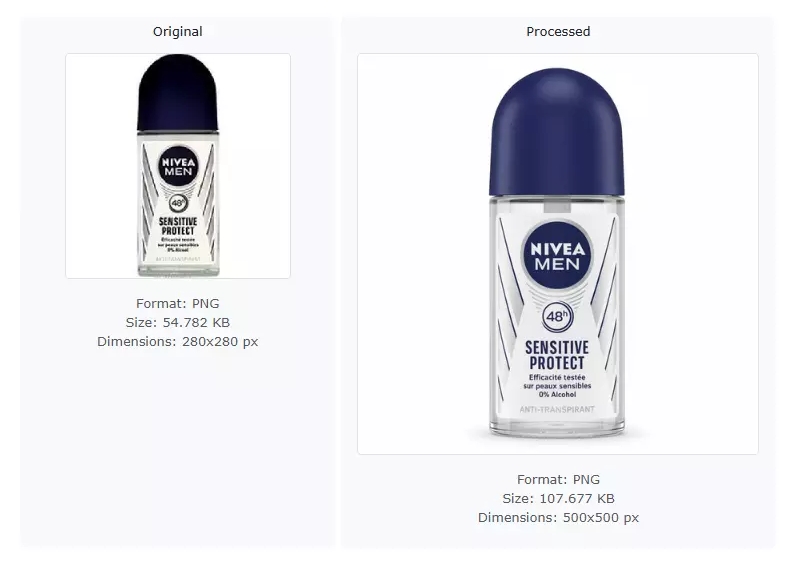
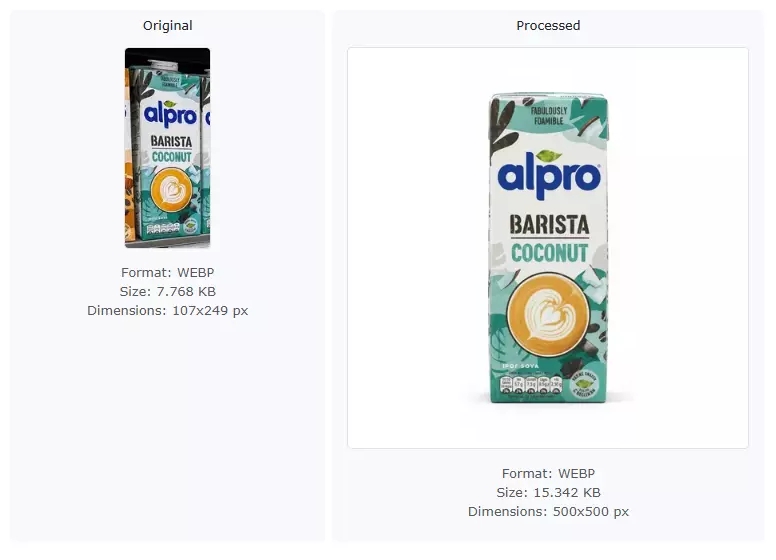
Increase image resolution while preserving important details. Useful for improving low-resolution product images.
Enhance Quality
Improve composition, product centering, details, and overall image quality with AI enhancements. Works best on focused subjects and product-style images.
Workflow
- Upload images or a ZIP archive
- Select resize options
- Choose output format
- Apply optional AI operations
- Download processed results
Author / Owner / Contact
gerstel.tomasz@gmail.com